
Your next creative obsession
Big ideas. In motion.
Explore cinematic video, expressive portraits, and unexpected effects. Find your next scene and make it your own.
Models & scenes
The scenes creators reach for first. Each one opens its own tool page.
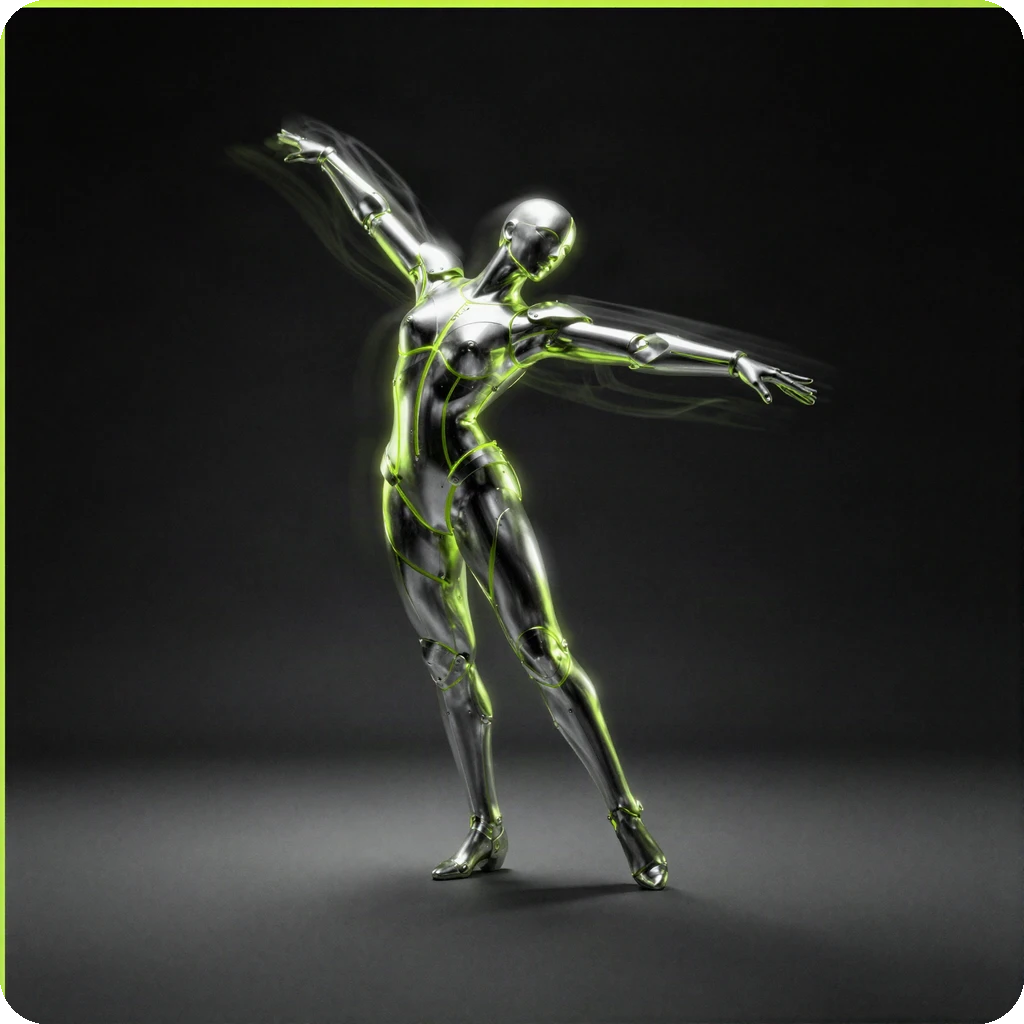
Higgsfield Genjutsu Light
Genjutsu
Transfer motion from a reference clip, or swap a subject in the same frame.
Open
MiniMax H3
MiniMax H3
Multimodal AI video from a prompt or a reference image. Paid credits per run.
Open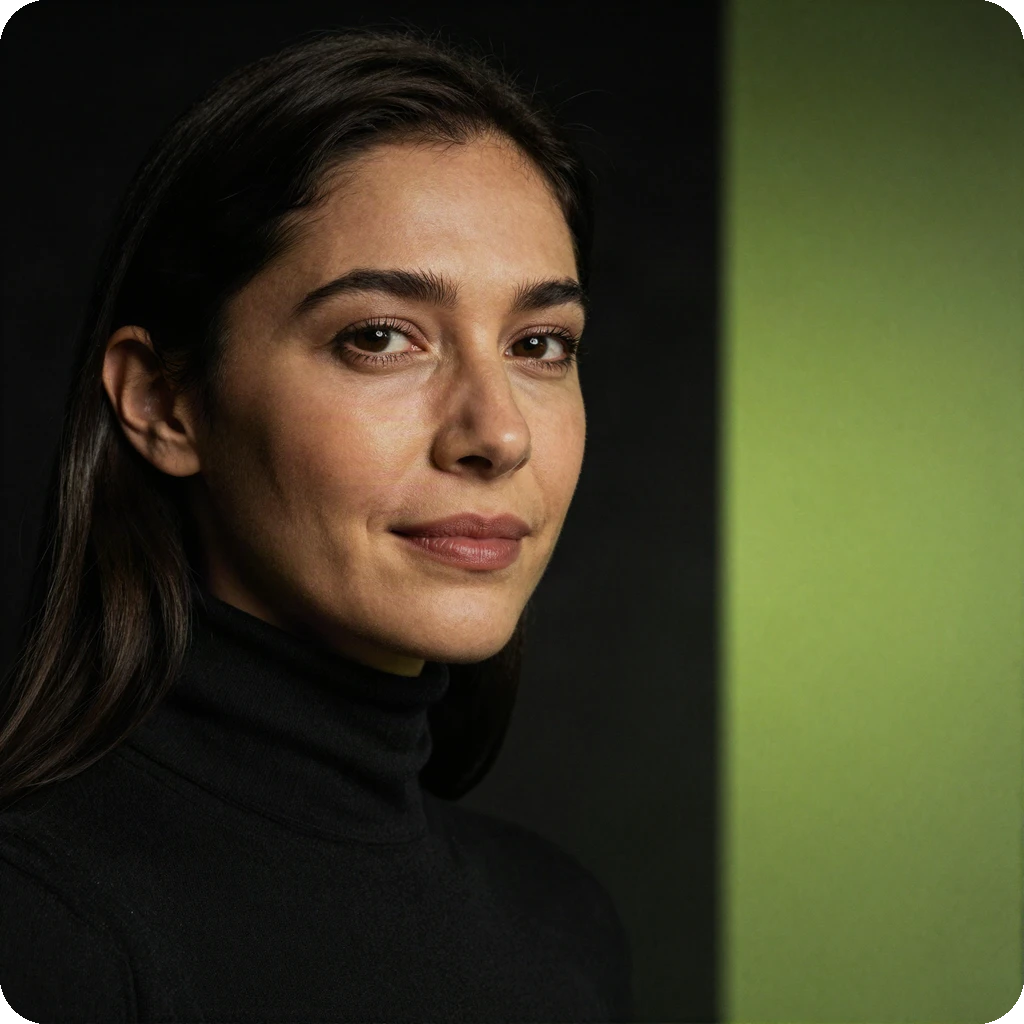
Talking Photo
Talking Photo
Turn one portrait into a speaking clip: upload a face, add a line, generate.
Open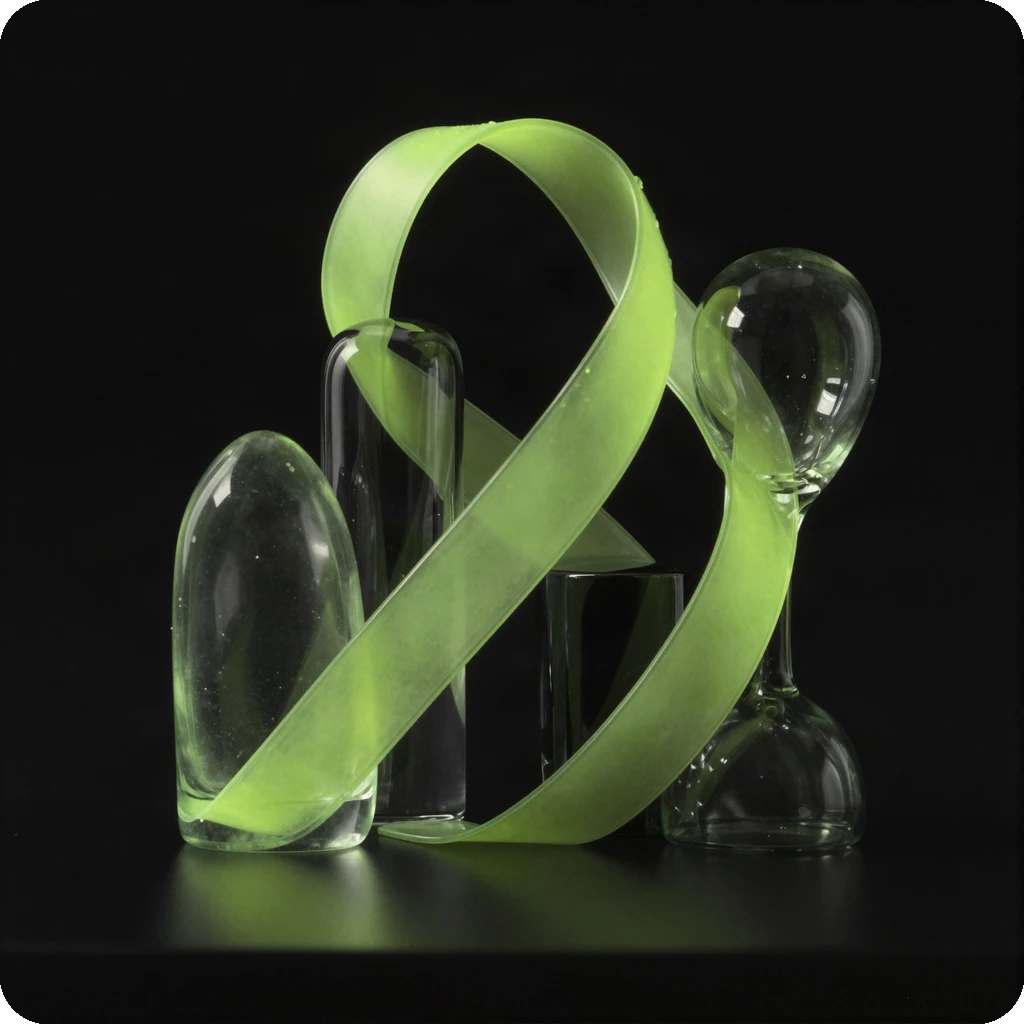
Qwen Image 2.1
Qwen Image 2.1
Fast text-to-image stills. Download and HD unlock with credits.
Open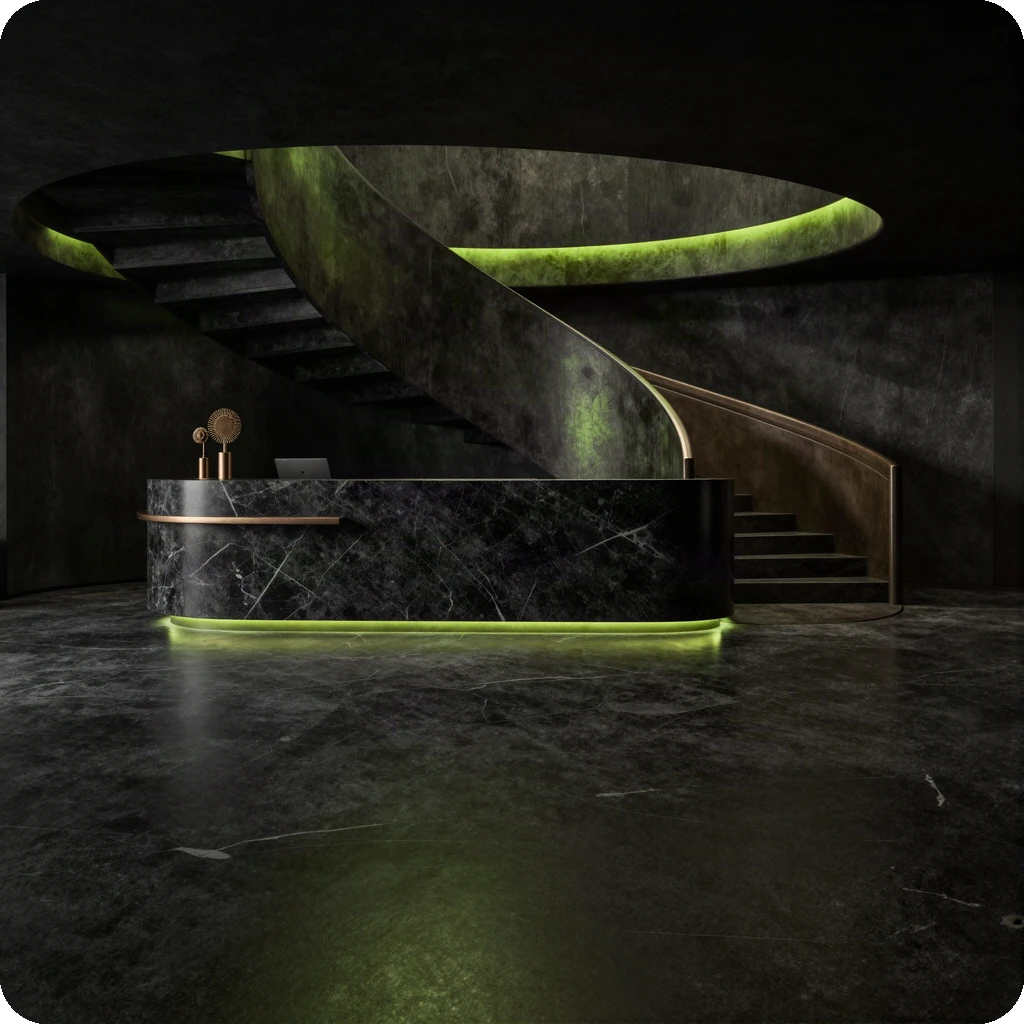
Hotel Lobby AI
Hotel Lobby AI
Viral orange-booth duo clip: upload a photo, pick a style, generate.
Open
Higgsfield Genjutsu Light
Motion transfer and object swap
One scene, a different perspective. Explore the reference-clip and subject-image workflow, with examples of motion transfer and object swap.
Open GenjutsuAll tools
Find a fresh direction. Browse the examples, then open a tool for its settings, availability, and credit cost.
- Open
GPT Image
OpenAI text-to-image, preferred route
- Open
Nano Banana
Fast text-to-image drafts
- Open
FLUX 2
High-fidelity stills
- Open
Seedream
Detailed posters & product art
- Open
Qwen Image 2.1
Fast text-to-image
- Open
AI Headshot
Studio headshots from a selfie
- Open
Product Photo
Ecommerce scene shots
- Open
Hotel Lobby AI
Viral orange-booth duo clip
- Open
Talking Photo
Still image to speaking clip
- Open
Sora 2
Cinematic AI video (paid credits)
- Open
Veo 3.1
High-fidelity video (paid credits)
- Open
Kling 3
Image-to-video (paid credits)
- Open
MiniMax H3
Multimodal AI video (paid credits)
- Open
Genjutsu
Motion transfer and object swap
- Open
Seedance 2.5
ByteDance text and image to video (paid credits)
- Open
Face Swap
Face Swap — two photos in, seamless swap out
- Open
Ideogram V3
Ideogram V3 — posters & logos with readable text
- Open
Grok Imagine
Grok Imagine — fast text-to-image, credit unlock
How it works
- 01
Pick a scene
Choose a model or scene page and fill in its inputs.
- 02
Make it yours
Explore the examples, add your references, and review the settings and credit cost.
- 03
Create with credits
Sign in with Google for connected generators. Paid generation uses credits; check availability on the tool page.
FAQ
Do I need an account?
Browsing tools and examples is open. Generating, downloading, and HD require Google sign-in and credits.
Can I explore before paying?
Yes. Browse tools and example media without paying. Connected generators use paid credits, and video generation has no free credit grant.
Are all tools connected?
Hotel Lobby AI has a Kie-powered video workflow. Other scenario pages include examples and interface previews; check each tool for generation availability. Genjutsu examples show the Genjutsu Light workflow.
Where do I buy credits?
Credit packs are on the pricing page.